

No signal is one of the most common CCTV system problems and can cause image loss, a black screen, or a “No Signal” message on the monitor or DVR/NVR. This problem may result from simple
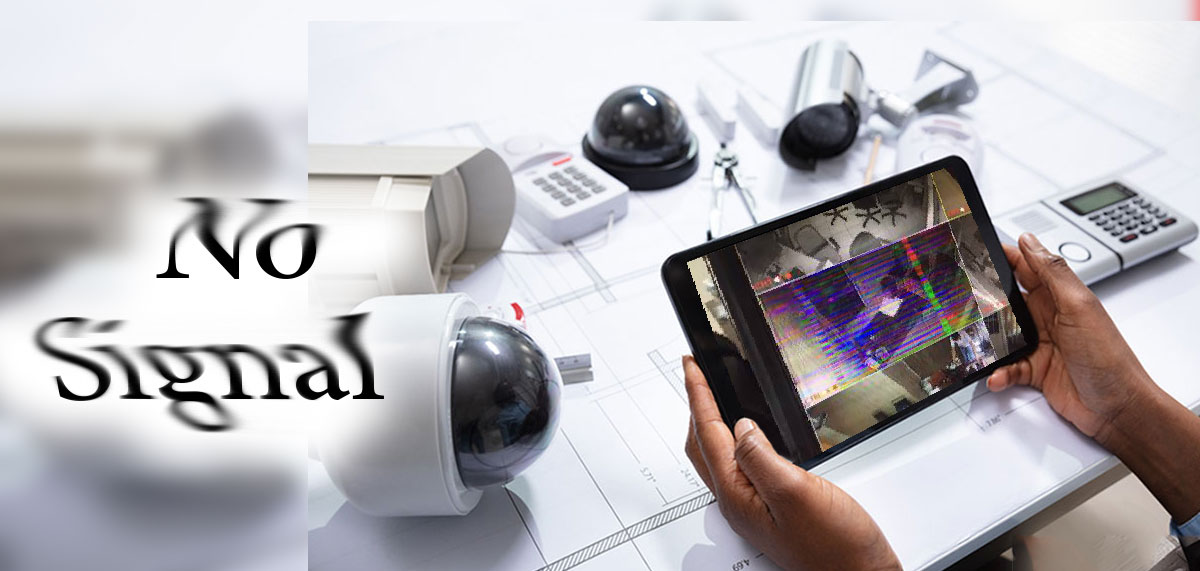
No signal is one of the most common CCTV system problems and can cause image loss, a black screen, or a “No Signal” message on the monitor or DVR/NVR. This problem may result from simple causes such as loose cables or from failure of the system’s main equipment.
Here we review the most important causes of CCTV signal loss and how to fix them.
⸻ 1. Disconnected or damaged cables are one of the main causes of camera signal loss. Coaxial cables, network cables, or connectors may be damaged by moisture, pulling, or improper installation.
Signs:
• The image is completely lost
• The image is noisy or flickering
• A No Signal message is displayed
Solution:
• Check the cables
• Make sure the BNC or RJ45 connector is in good condition
• Replace the cable if it is corroded or broken
⸻ 2. Faulty adapter or power supply. CCTV cameras require stable power to operate correctly. A faulty adapter or voltage drop can prevent the camera from turning on or sending a signal.
Solution:
• Test the adapter output voltage with a multimeter
• Use a standard adapter appropriate for the camera
• Check the central power supply
⸻ 3. Incorrect video format. Sometimes the camera’s video format is not compatible with the DVR. For example, the camera may be set to AHD while the DVR supports only CVI or TVI.
Solution:
• Check the camera format • Change the DVR settings
• Use multi-format cameras if necessary
⸻ 4. Faulty DVR or NVR port. The camera itself may be working, but the recorder input port may be faulty.
Simple test:
Connect the camera to another port. If the image returns, the previous port is the problem.
⸻ 5. Network problems on IP cameras. Network disruptions can cause signal loss on IP cameras.
Items to check:
• Network switch is disconnected
• IP conflict • Gateway or Subnet is not configured correctly
• Faulty LAN cable
Solution:
• Ping the camera
• Check device IP addresses
• Reset or replace the network switch
⸻ 6. Camera failure. If all the above items have been checked and there is still no image, the image sensor or internal camera board may be faulty.
Signs:
• The camera is on but there is no image
• Night vision works but the image is lost
• The camera becomes excessively hot
Solution:
• Test the camera with another device
• Repair or replace it if necessary
⸻ 7. Environmental interference and noise. Routing cables alongside high-voltage power lines or industrial equipment can cause noise and image loss.
Solution:
• Use standard cables
• Keep the video cable separate from power cables
• Use noise filters or protective equipment
⸻ How can you prevent camera signal loss?
To prevent this problem, it is better to:
• Use high-quality equipment
• Have installation performed by a professional technician
• Do not neglect periodic system maintenance
• Use a surge protector
• Use standard cabling practices
⸻ Conclusion
CCTV signal loss can result from simple problems such as damaged cables or more complex faults in the DVR, network, or camera itself. By checking the equipment step by step, the cause can usually be found quickly and unnecessary costs avoided. Proper maintenance and the use of standard equipment also play an important role in preventing image loss and extending the service life of the surveillance system.



