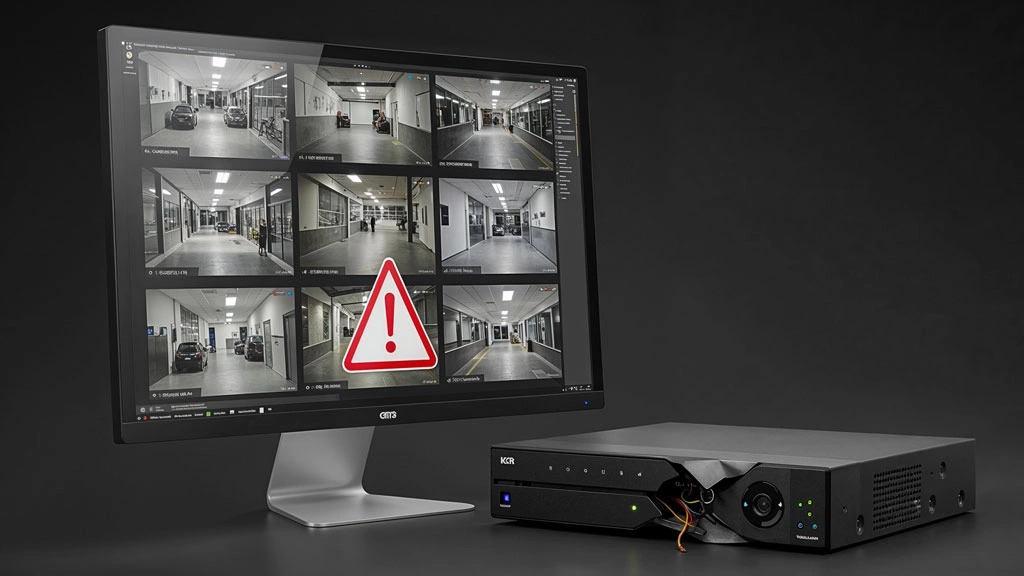
CCTV systems are used to improve security and record important events; However, one common issue users encounter is that camera footage is not recorded. This problem can lead to the loss of important information and reduce the effectiveness of the security system. In this article, we review the most important reasons CCTV footage is not recorded and the solutions for fixing them.
1. DVR or NVR hard disk failure
The hard disk is the most important component for storing footage. If the hard drive is damaged or has reached the end of its service life, footage will not be recorded.
Signs of hard drive failure:
•Recording starts and stops intermittently
•HDD error is displayed
•Unusual noise from the device
•Storage fills up quickly
Solution:
•Check hard drive status in the device settings
•Format the hard drive
•Replace the hard drive with a model suitable for CCTV systems
2. Recording mode is not configured correctly
Sometimes the problem is caused by incorrect device settings. Recording may be set to a schedule or motion detection mode, so footage is not saved at certain times.
Solution:
•Open the DVR/NVR settings
•Check the Recording Schedule section
•Enable Continuous Recording
3. Storage space is full
If automatic overwrite is disabled, the device will stop recording when storage becomes full.
Solution:
•Enable the Overwrite option
•Delete unnecessary files
•Use a higher-capacity hard drive
4. Power outage or electrical fluctuations
Power fluctuations can shut down the recorder or damage its internal components.
Solution:
•Use a UPS
•Install a standard surge protector
•Check the adapter and power supply
5. Faulty cables and connections
A disconnected video or network cable is another reason footage may not be recorded, especially with IP cameras.
Items to check:
•Cable condition
•Correct connector installation
•Device port condition
6. Device software or firmware issue
Outdated firmware or software errors can disrupt recording operation.
Solution:
•Update the device firmware
•Reset the settings
•Use the official software version
7. CCTV camera failure
Sometimes the recorder is working properly but the camera is not sending an image.
Signs:
•Black image
•Severe noise
•Intermittent image
Solution:
•Test the camera on another channel
•Check camera power
•Replace the faulty camera
8. Incorrect date and time settings
Incorrect device time can interfere with recording schedules and file searches.
Solution:
•Set the date and time correctly
•Enable automatic time synchronization (NTP)
How can you make sure CCTV recording is working correctly?
To prevent these problems:
•Check the hard drive periodically.
•Use standard equipment.
•Keep the device updated.
•Periodically test recorded footage.
•Use a UPS to prevent damage caused by power outages.
Conclusion
Failure to record CCTV footage can have various causes; From hard drive failures and power problems to incorrect settings or software faults. By checking the system step by step and performing periodic maintenance, this problem can be prevented and the security of the premises maintained.