

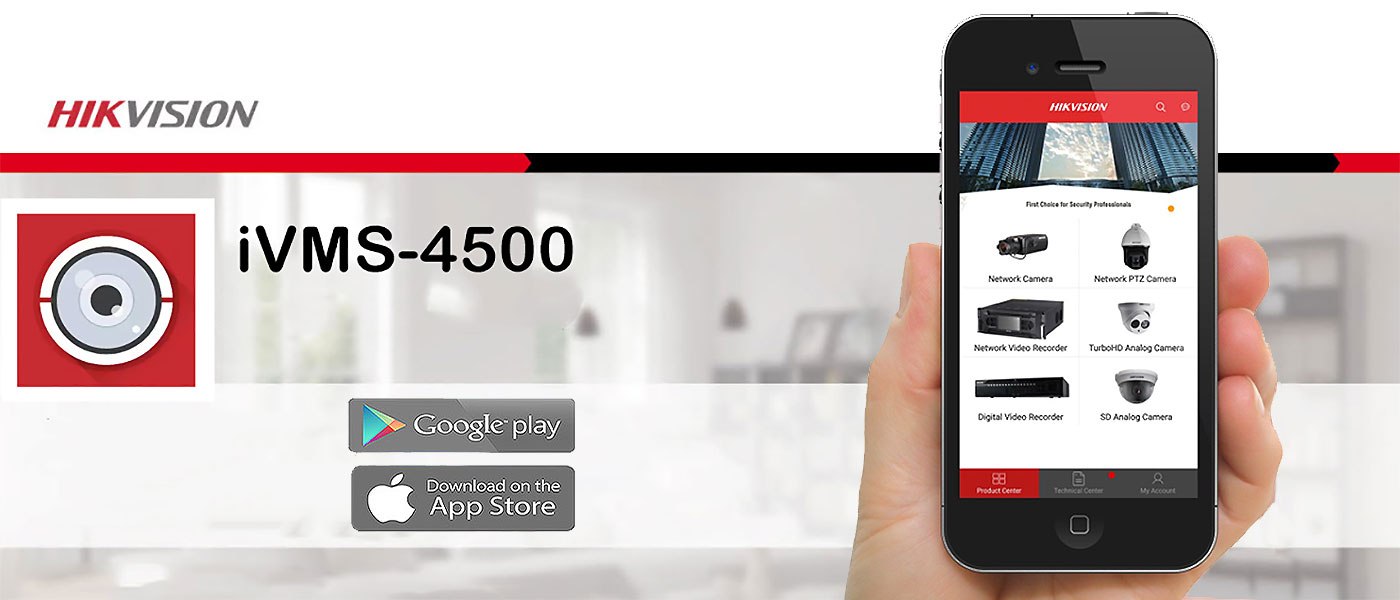
Hikvision iVMS-4500 is used to monitor Hikvision DVRs, NVRs, and IP cameras. This software is available in Android and iOS versions. You can also use iVMS-4500 for Windows on a laptop or desktop computer. After installing this software, you can add your DVR or NVR to it. This gives you access to the following features:
If your internet connection has a static IP, you can view footage remotely over the internet using this software. To do this, simply forward the device’s port and IP on your modem/router. iVMS-4500 is used for remote CCTV monitoring and live viewing through a mobile phone.
It can also be used to play back recorded footage. The application is very easy to install and use and can be downloaded from the link above. (Click to learn about the best CCTV camera brands.)
You can view Hikvision CCTV footage on a computer using iVMS-4500 for Windows. For this purpose, iVMS-4500 can be run on a computer using the settings explained below. You can then view live images or review recorded footage on the computer. Another feature is the ability to back up CCTV footage to the computer’s hard drive. With a few simple techniques, you can use iVMS-4500 on a computer. Android emulators are a popular solution that allows users to run Android applications on a personal computer.


