

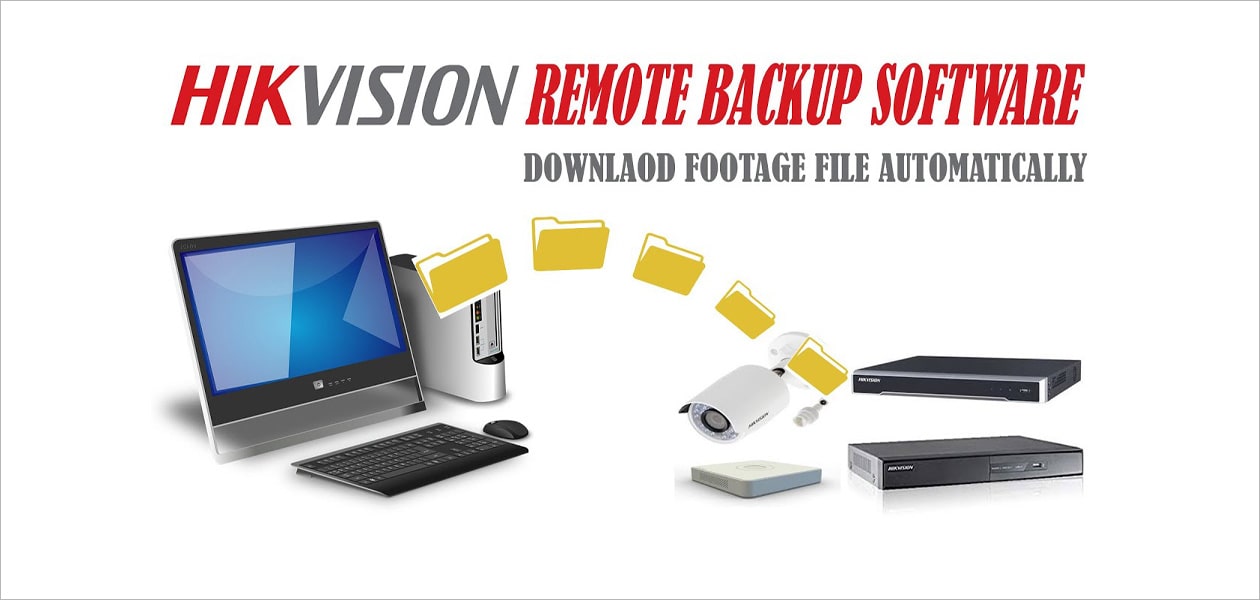
Remote Backup Software is used to copy recorded video from compatible Hikvision recorders and devices to a computer. This guide explains the download, device setup, backup schedule, camera selection and file export process step by step.
For other surveillance utilities, visit our CCTV software downloads page or see the PeDNS setup guide.
How to configure Remote Backup software is explained below. With Hikvision Remote Backup software, you can back up all files stored on a Hikvision device or hard drive. To do this, add the device or devices to the software and configure the backup menu. You can then back up files manually or configure automatic backup so it runs according to the schedule you define.


